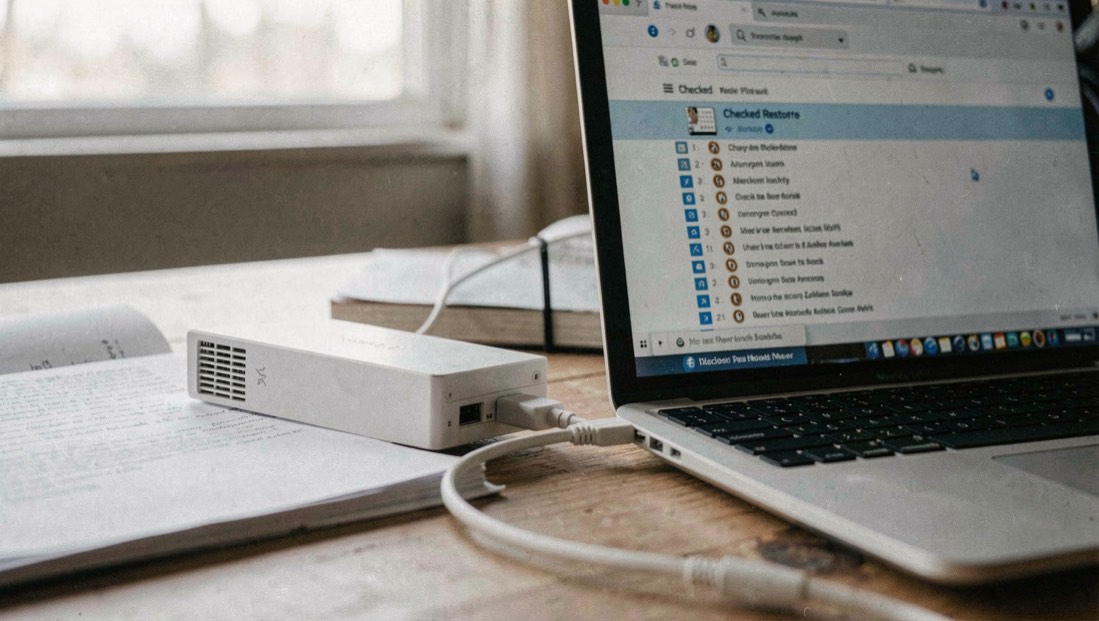
A backup matters only when a known file can be restored at the moment it is needed. This guide starts with actions that are low-risk, reversible where possible, and useful even when the exact cause is still uncertain. If there is an immediate financial, workplace, safety, or legal concern, use the responsible provider or local authority’s current process.
First ten minutes
- 01Pause before deleting or resetting
A rushed clean-up can remove the detail that makes recovery easier.
- 02Record the time, what changed, and the account or device involved
A short note is often more useful than a perfect reconstruction later.
- 03Use a trusted route to the relevant provider or team owner
Open saved bookmarks, device settings, or official support pages rather than links from an alert.
What to preserve
Keep the message, notice, filename, time, affected address or device name, and screenshots of unusual settings if doing so is safe. Do not send passwords, recovery codes, private keys, or unredacted identity documents to an unverified contact. A record supports a provider or team that needs to understand what happened.
Escalate when
Escalate when access cannot be recovered through an official route, a payment method or sensitive data may be involved, the event affects a workplace, or you are being pressured to act quickly. The appropriate destination might be an account provider, bank, employer, insurer, qualified incident responder, or public reporting route in your jurisdiction.
Recovery path
After containment, review recovery options, active sessions, forwarding rules, software updates, backups, and credentials reused elsewhere. Make one change at a time when you can, then write down what was changed. That record helps you avoid repeating work and gives a small team a usable handover.
A restore list protects copies of data, and the same record-first discipline protects the provenance of the files themselves. Sourcing satellite imagery sets out which identifiers and dates to keep beside a scene.
A restore test proves the backup can be read, not that the people who depend on it can keep working. The same gap shows up in small broadcast operations, where a station may hold one copy of its schedule, its underwriting records, and its license documents. If you run or advise a community station, the LPFM rules explained page covers licensing, day-to-day operation, and what to keep on hand. Treat those files like any other system: store a second copy off the studio machine, and restore it once to confirm the copy is usable.
Related dispatches
Mac database clients and task scheduling · How to update software safely · Cybersecurity incident first steps · How Security, Applied works